Immersive
Immersive support in BRAW Toolbox is new and evolving. Feedback and suggestions welcome!
BRAW Toolbox v3.0.0 introduced a Media Extension, allowing you to import .braw files natively into Final Cut Pro.
This means that .braw files now behave exactly the same as .mov so you can relink in Final Cut Pro as normal.
You can read more on the Media Extension page.
Whilst the legacy Workflow Extension also supports Blackmagic URSA Cine Immersive clips (16320x7200 at 90fps) - when using the Media Extension, you can use the Immersive Export function in the BRAW Toolbox application.
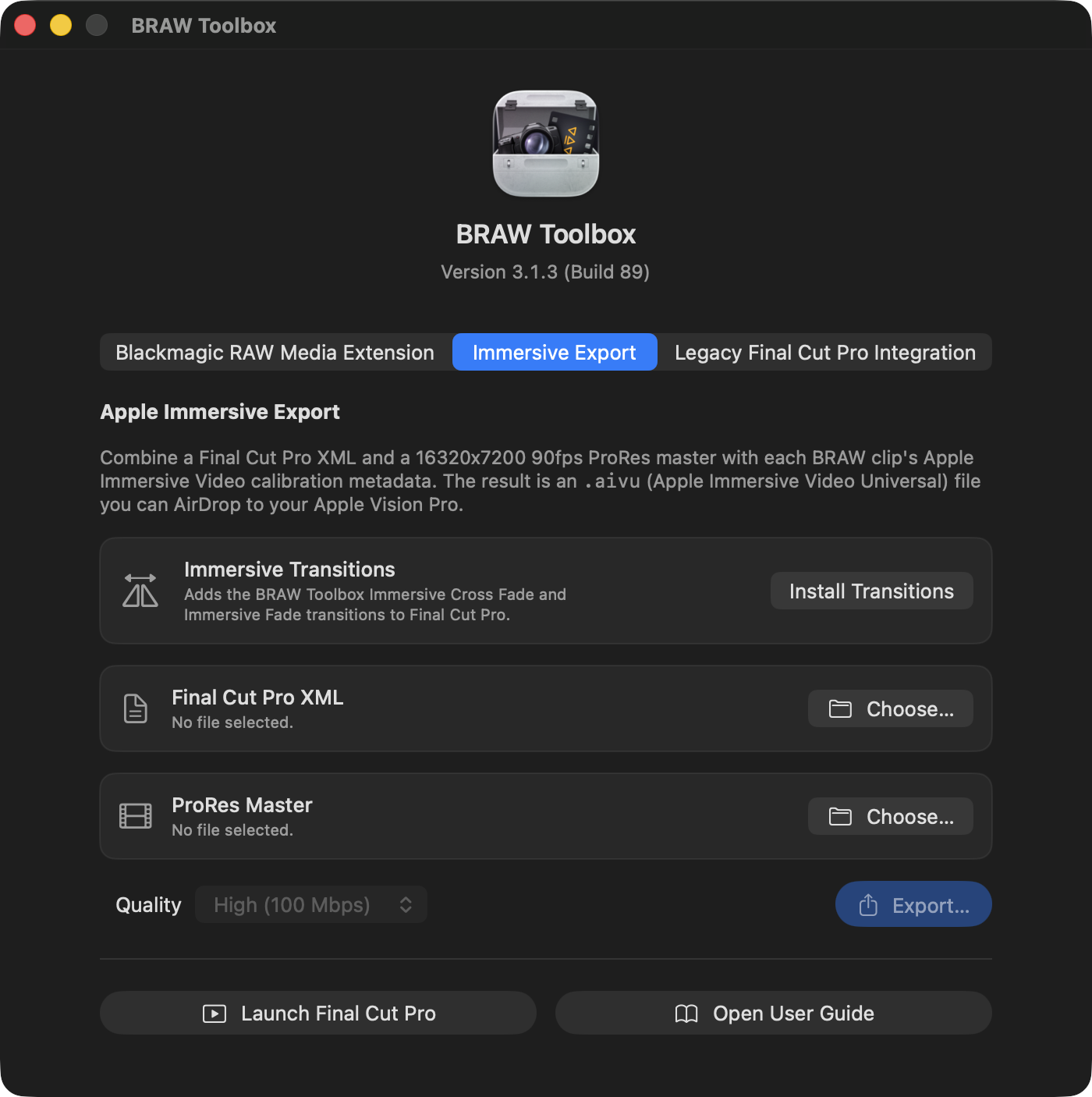
First in the Immersive Export panel, click Install Transitions to install the Immersive Transitions.
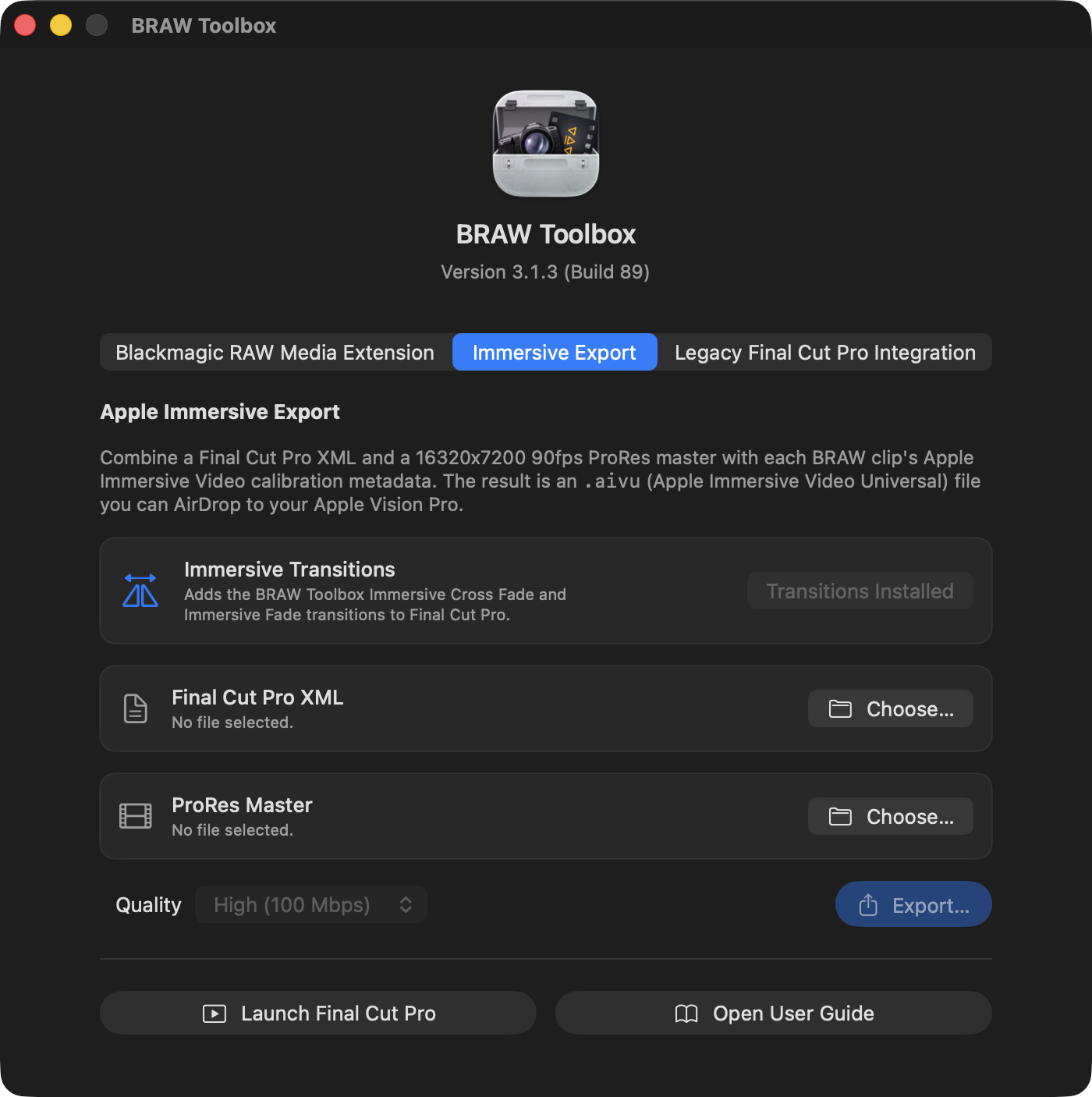
This will install the Immersive Transitions in the Final Cut Pro Transitions Browser:
You can now create a 16320x7200 at 90fps project/timeline in Final Cut Pro and add Blackmagic URSA Cine Immersive clips.
You can use the Immersive Transitions to add transitions - they won't visually change anything in Final Cut Pro - they'll be handled in software by the Vision Pro.
Once you've got your edit, export a 16320x7200 at 90fps ProRes file and a FCPXML.
You can now import this into the Immersive Export panel and export a .aivu (Apple Immersive Video Universal) file which you can import into the Apple Immersive Video Utility.